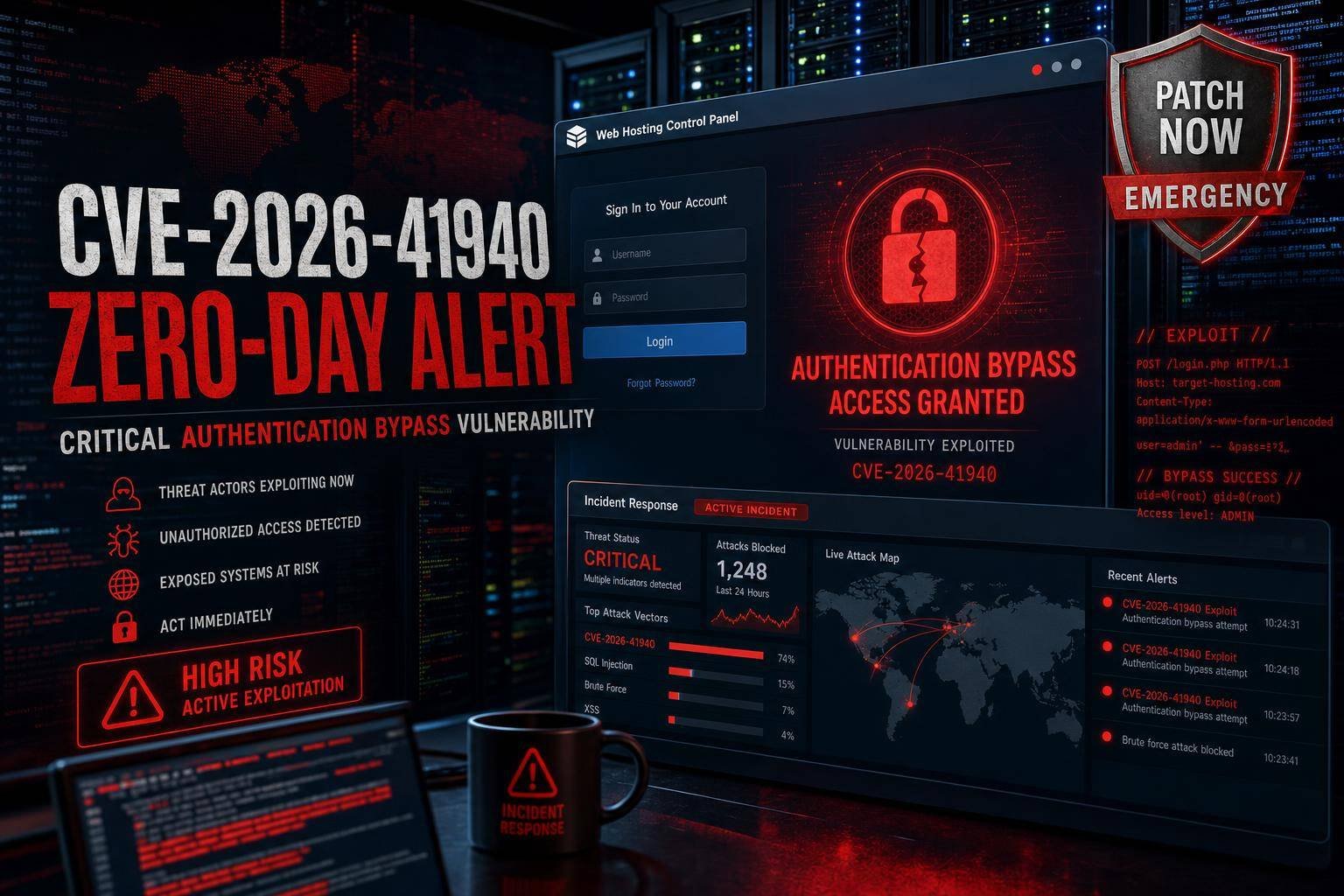
cPanel Authentication Bypass Zero‑Day (CVE‑2026‑41940): Active Exploitation, Emergency Patches, and How to Respond Now
A critical cPanel authentication bypass zero-day, tracked as CVE‑2026‑41940, is being actively exploited and gives unauthenticated attackers full administrative access to cPanel and WHM servers. With a CVSS score reported at 9.8, this is the kind of bug that moves quickly from bad to business‑critical, especially for internet‑exposed hosting environments.
Researchers observed exploitation beginning as early as February 23, 2026, while vendors raced to ship fixes. Attackers are abusing the flaw to reach root without credentials, enabling full server takeover, data theft, malware deployment, and lateral movement across shared infrastructure. If you run cPanel or WHM, this is a drop‑everything situation: patch immediately, restrict access to management ports, and hunt for signs of compromise on your fleet. This guide breaks down what CVE‑2026‑41940 is, why it’s uniquely dangerous, how to patch and contain it, and how to harden cPanel for the long haul.
CVE‑2026‑41940: What we know about the cPanel authentication bypass zero‑day
CVE‑2026‑41940 is an authentication bypass in cPanel and WHM (WebHost Manager), the control plane used to administer millions of web hosting accounts globally. The flaw reportedly requires no user interaction and can be exploited over the network on exposed instances—meaning botnets can sweep the internet and opportunistically compromise servers.
Key points security teams have confirmed or strongly indicated: – Impact: Elevation from unauthenticated network access to full administrative control of the panel, typically leading to root on the host. – Exposure: Internet‑facing management ports are attractive targets—2083 (cPanel over TLS), 2087 (WHM over TLS), 2095 (Webmail), and 2096 (Webmail over TLS). – Severity: CVSS high/critical (9.8), aligning with the maximum severity for remote, unauthenticated compromise per widely used scoring guidance like the FIRST CVSS v3.1 specification. – Exploitation: Security researchers observed live exploitation before patches were public, and activity spiked after disclosure. Publicly known exploitation windows are bad news for defenders because they compress response time.
Independent research groups like watchTowr Labs flagged real‑world exploitation well before many administrators realized they were exposed. This underscores a long-standing reality: when an internet‑facing control plane gets a zero‑day, time to patch is measured in hours, not days. Expect scanners and exploit kits to follow disclosure within hours.
Why this zero‑day is a perfect storm for shared hosting and MSPs
A cPanel/WHM authentication bypass is uniquely dangerous because it lands directly in the control plane with near‑total power: – Blast radius: One compromise can cascade across hundreds or thousands of hosted accounts on the same server. In multi‑tenant environments, that can mean mass data exposure and downstream compromises via poisoned CMS plugins, webshells, and stolen credentials. – Frictionless exploitation: No user interaction, broad internet exposure, and well‑known default ports shorten the attacker’s kill chain. – Privilege amplification: Once an adversary controls WHM, pivoting to root is typically a matter of abusing built‑in features, scheduled tasks, or local privilege escalation. From there, they can implant persistence, exfiltrate data, and stage further attacks. – Compliance fallout: E‑commerce and regulated workloads (PCI DSS, HIPAA, etc.) hosted alongside general websites can trigger breach notification obligations and contract penalties.
From a threat modeling perspective, this maps to high‑priority tactics in the MITRE ATT&CK framework (initial access, privilege escalation, persistence, and credential access). It also squarely hits OWASP’s guidance on identity and session risks; if an attacker can bypass authentication, all downstream security controls are in jeopardy, which is why the OWASP Authentication Cheat Sheet emphasizes defense‑in‑depth and access containment.
For managed service providers, web hosts, and agencies maintaining many cPanel servers, the operational risk is amplified. You’re not just remediating one machine—you’re racing to contain and patch an entire fleet while handling customer communication and potential incident response.
Immediate response checklist (first 60 minutes)
When a control plane zero‑day is being exploited in the wild, speed and discipline matter. Treat the following as your first‑hour playbook. Adjust sequencing based on your environment and change‑control requirements.
1) Identify scope and exposure – Inventory all cPanel and WHM servers, including staging, backups, and management nodes. – Identify which are internet‑exposed on ports 2083, 2087, 2095, and 2096. Check load balancers, NAT rules, and cloud security groups for forgotten exposures.
2) Patch cPanel/WHM immediately – Use the cPanel update utility to pull the latest patched build. On most systems, the quickest route is to run a forced update via the cPanel maintenance script. Refer to the official cPanel documentation for up‑to‑date steps in your branch. – After updating, restart the cPanel service manager (cpsrvd) to ensure patched binaries are loaded. If your standard operating flows rely on service management through WHM, use CLI equivalents while the panel is restricted.
3) Verify you’re on a patched build – Check your cPanel version and build using local files and WHM. Commonly, administrators validate version via the cPanel version file and the build number file. Confirm that both match the patched builds listed in the vendor advisory before proceeding.
4) Restrict management port exposure – If you cannot patch immediately, or as an added layer during patching, temporarily restrict 2083, 2087, 2095, and 2096 to an allowlist (e.g., your office IP, VPN egress, or bastion). Prefer allowlists over full blocks to keep emergency access. – If policy allows and you need maximum isolation, stop cpsrvd (and cpdavd if used) until the update is applied. Understand that this will interrupt customer panel and webmail access.
5) Review logs and triage indicators of compromise – Pull panel logs off‑box for safekeeping and initial triage. Prioritize cPanel login and access logs, error logs, and system authentication logs. Also collect firewall, WAF, and reverse proxy logs that record hits on the target ports. – Look for unusual access to WHM or cPanel endpoints, especially from new geographies or timing anomalies. Spike analysis during the post‑disclosure window is often revealing.
6) Rotate credentials and tokens – For any server that was exposed and unpatched during the known exploitation window, assume credential theft is possible. Reset root, WHM resellers, API tokens, and service accounts. Treat API access as high risk when authentication is bypassed.
7) Snapshot, back up, and prepare for deeper forensics – Take clean snapshots of patched systems. For systems with suspicious signals, coordinate memory and disk acquisition with your incident response team to preserve evidence.
8) Communicate early and clearly – Alert stakeholders and customers with concise, technical updates and timelines. Reference official guidance and, if applicable, the CISA Known Exploited Vulnerabilities (KEV) catalog if/when the CVE appears, since that often drives policy urgency in enterprise contexts.
This initial sprint is about reducing risk fast: patch, isolate, verify, then investigate. If you are integrating changes via automation, update your configuration management to force the patched cPanel build across fleets and confirm idempotency.
Verify you are patched and your mitigations are tight
Two common failure modes after emergency patching are partial coverage and stale processes still running old code. Confirm the following on every host.
Version and build validation – Confirm cPanel/WHM version and build against the vendor’s patched build list. Administrators typically check local version files and WHM Server Information. Match both fields—version and build—because backports can reuse version numbers in some ecosystems. – Validate that your update mirrors or update tier (LTS, current, edge) received the fix; mixed tiers across a fleet can produce blind spots.
Service sanity checks – Restart cpsrvd and related services after the update. Confirm services are running with the updated binaries via process start times and package update timestamps. – If you temporarily stopped cpsrvd and cpdavd, bring them back up only after confirming the patch level.
Firewall and exposure validation – Confirm that ports 2083, 2087, 2095, and 2096 are either blocked to the public internet or restricted to your allowlisted IP ranges. – Validate at multiple layers: host firewall, cloud security groups, and any upstream WAF or reverse proxy. It’s common to fix one layer but leave an upstream rule open.
Examples of access restriction patterns – Restrict management ports to a VPN egress IP and require multi‑factor authentication to reach the VPN. – Put panel access behind a Zero Trust access proxy with per‑user identity checks and device posture. See Cloudflare’s Zero Trust documentation for implementation concepts: Cloudflare One. – For short‑term emergency isolation, insert a network ACL that denies inbound 2083/2087/2095/2096 except from a specific jump host.
Testing – From an external network, attempt to connect to the management ports to confirm they are closed or require authentication through your chosen access broker. – From an internal admin workstation, confirm that WHM and cPanel functionality works as intended post‑patch and that your restarts didn’t break essential services.
Hunt for signs of compromise on cPanel/WHM hosts
Given that exploitation predated public patches, assume some exposure windows existed. Even if you patched rapidly, conduct a pragmatic threat hunt on your cPanel fleet. Focus on high-signal checks first, then go deeper if you see anomalies.
High‑signal log review (panel and system) – Review cPanel/WHM login and access logs for unusual IPs, sudden spikes, off‑hours activity, and excessive failed attempts followed by success. – Inspect error logs for handler exceptions or unusual request patterns targeting authentication or session endpoints. – Correlate with system authentication logs for privilege escalations or unexpected sudo/root sessions shortly after panel requests. – Pull network firewall and WAF logs focusing on ports 2083, 2087, 2095, 2096 during the known exploitation window. Look for scanning and repeated probing of authentication routes.
System state checks (post‑exploitation artifacts) – Check for new admin users, modified sudoers, or changes to PAM configurations. Verify /etc/passwd, /etc/shadow, /etc/group for unfamiliar entries and recent modification times. – Inspect root and service accounts for unauthorized SSH keys. Review /root/.ssh/authorized_keys and other service home directories. – Enumerate recent changes to crontab entries. Review user crontabs, /etc/crontab, and directories under /etc/cron.* for new or edited jobs. – Look for suspicious binaries and SUID abuse. Scan for recently modified files with setuid bits and unexpected executables in /tmp, /var/tmp, and user web roots. – Examine web roots for unexpected PHP shells, modified index files, or unknown plugins dropped into popular CMS directories.
Network and process scrutiny – List active network listeners and connections, paying attention to processes bound to high ports or unexpected binaries listening on loopback. – Review running processes for unfamiliar names, odd parent/child relationships, or long‑running shells owned by web server users.
Audit and forensics discipline – If you find credible indicators of compromise, switch from ad‑hoc hunting to a forensically sound process. The NIST SP 800‑61 incident handling guide provides a clear framework for containment, eradication, and recovery. – Consider enabling or tuning Linux auditing for privileged actions and file integrity checks. Red Hat’s documentation on Linux auditing is a useful reference, even if you run a different distribution: RHEL 8 Security Hardening – Auditing.
Document everything: timeline, systems affected, changes made, and indicators found. This helps with customer communication, legal/regulatory review, and continuous improvement after you close the incident.
Long‑term hardening for cPanel environments
Emergency patches treat the symptom. Treat the cause by shrinking your attack surface, strengthening identity, and improving recovery.
Contain and broker access to the control plane – Remove public exposure of WHM and cPanel wherever possible. Restrict panel access to an internal network, VPN, or identity‑aware proxy (per‑user, per‑device MFA). Reference implementation patterns in Cloudflare One. – Enforce multi‑factor authentication (TOTP) for WHM and high‑privilege cPanel accounts. Resist exceptions for convenience; identity is a high‑value control. – Use strict IP allowlists for management ports. Codify rules in infrastructure as code to prevent drift.
Harden the operating system and services – Apply a recognized baseline such as the CIS Benchmarks for your Linux distribution. Baselines cover SSH hardening, logging, file permissions, and service configurations. – Segment workloads. Avoid co‑locating critical or regulated data with general purpose shared hosting on the same OS instance. – Deploy EDR/behavioral monitoring with alerting tuned for control‑plane processes and webserver users.
Reduce blast radius in multi‑tenant hosting – Use account isolation technologies (e.g., chroot‑style jails, namespacing, or vendor‑provided isolation features) to prevent one compromised site from impacting others. – Apply strict file system permissions for user web roots. Scan uploads and backups for malware and common webshell signatures.
Improve patch management and observability – Shorten the path from advisory to deployment. Automate checks for vendor advisories and integrate them into change workflows with staged rollouts and automatic health checks. – Maintain version and build visibility across your fleet. Make “what build is each server running?” a one‑command report, not a manual exercise. – Instrument your environment to alert on abnormal panel access patterns: bursts of failed/successful logins, new admin creation, and configuration changes.
Secure development and plugin ecosystems – Audit and reduce third‑party plugins and custom scripts running under cPanel/WHM. Remove abandoned extensions and document approved ones. – Enforce least privilege for reseller and delegated accounts. Avoid “god mode” roles for day‑to‑day operations.
Identity and session hardening – Rotate all high‑privilege credentials on a schedule and after any suspected incident. Protect API tokens like passwords. – Follow modern guidance for session management and auth flows. The OWASP Authentication Cheat Sheet remains a practical reference for defense‑in‑depth behaviors.
Threat intelligence and response readiness – Track high‑value CVEs in your stack and subscribe to vendor bulletins. The CISA KEV catalog is a strong signal of what adversaries are actually exploiting. – Rehearse incident scenarios. Pre‑approve emergency firewall rules, maintenance windows, and customer comms so you can act in minutes. – Reference threat trend reporting like ENISA’s annual summaries to calibrate expectations and investments. The ENISA Threat Landscape helps contextualize exploitation patterns and priorities.
Business and operational considerations
Beyond the technical response, leaders should make pragmatic decisions that protect the business and customers.
Risk versus downtime – If you cannot patch immediately, it may be safer to temporarily stop cpsrvd or gate panel access behind a VPN or Zero Trust broker. Yes, this disrupts customers—but a control plane compromise is worse than a short outage.
Customer communication and transparency – Send timely, plain‑English updates explaining the vulnerability, your remediation steps, and how customers can help (e.g., rotating passwords, checking account activity). Provide a channel for questions and incident reporting.
Contracts and compliance – Review SLAs and regulatory triggers for your hosted workloads. If data exposure is suspected, engage legal and compliance early to manage notifications and evidence handling.
Supply chain and vendor diligence – Ask your upstream providers and downstream partners about their exposure and patch status. Weak links in your service chain can re‑introduce risk even after you patch.
Budget and strategy – Incidents like CVE‑2026‑41940 make the case for investments in access brokering, EDR, vulnerability management, and incident response retainers. Measure the incident’s cost (engineering hours, downtime, customer credits) to justify durable improvements.
FAQ
What versions of cPanel/WHM are affected by CVE‑2026‑41940? – The vulnerability impacts supported cPanel and WHM branches prior to the vendor’s patched builds. Check the official cPanel advisory or documentation to identify the exact fixed versions for your update tier (LTS, stable, current).
How do I patch a cPanel server quickly and safely? – Use the cPanel update utility to fetch and install the latest patched build, then restart cpsrvd to load the fix. Validate the version and build match the patched numbers in the vendor advisory. If you manage many servers, automate with your configuration management system and verify completion.
What if I can’t patch immediately—what mitigations help? – Restrict inbound access to ports 2083, 2087, 2095, and 2096 to a small allowlist (e.g., VPN egress IPs). As a last resort, stop cpsrvd (and cpdavd if used) temporarily. Be aware that this will interrupt panel and webmail access. Prioritize patching at the earliest opportunity.
How can I check if my server was exploited? – Review cPanel login/access logs, error logs, and system authentication logs for suspicious activity around the known exploitation window. Look for new admin users, unexpected root or sudo activity, unusual cron jobs, unfamiliar SSH keys, and webshells in site directories. If indicators are present, escalate to a formal incident response process.
Will blocking ports 2083/2087/2095/2096 break functionality? – Yes. Blocking or stopping cpsrvd disables WHM/cPanel and webmail access. Use targeted allowlists (e.g., only from your VPN) instead of full blocks to maintain administrative access while limiting exposure.
How do I prevent a repeat of this incident? – Remove public exposure of management ports, enforce MFA on admin accounts, adopt Zero Trust access for panels, keep cPanel fully updated, baseline servers against hardening standards, and enable monitoring tuned for control‑plane anomalies. Subscribe to vendor advisories and track high‑risk CVEs via sources like the CISA KEV catalog.
The bottom line on the cPanel authentication bypass zero‑day
CVE‑2026‑41940 is a worst‑case scenario for hosting control planes: a cPanel authentication bypass zero‑day with active exploitation, no user interaction required, and a frictionless path to root. The immediate priorities are clear—patch every affected server, restrict access to management ports, verify builds and service restarts, and hunt for signs of compromise. Then, move quickly to close structural gaps: take WHM/cPanel off the public internet, broker access with identity and MFA, and harden the OS using recognized baselines.
Incidents like this reshape priorities. If your panel is open to the world, change that. If your patching is manual, automate it. If your logs are thin, enrich them and practice response. The hosts that ride out CVE‑2026‑41940 with minimal impact will be the ones that treat control‑plane security as a product requirement, not a best effort. Patch now, verify, and make this the moment you upgrade how your cPanel environments are secured and operated.
Discover more at InnoVirtuoso.com
I would love some feedback on my writing so if you have any, please don’t hesitate to leave a comment around here or in any platforms that is convenient for you.
For more on tech and other topics, explore InnoVirtuoso.com anytime. Subscribe to my newsletter and join our growing community—we’ll create something magical together. I promise, it’ll never be boring!
Stay updated with the latest news—subscribe to our newsletter today!
Thank you all—wishing you an amazing day ahead!
Read more related Articles at InnoVirtuoso
- How to Completely Turn Off Google AI on Your Android Phone
- The Best AI Jokes of the Month: February Edition
- Introducing SpoofDPI: Bypassing Deep Packet Inspection
- Getting Started with shadps4: Your Guide to the PlayStation 4 Emulator
- Sophos Pricing in 2025: A Guide to Intercept X Endpoint Protection
- The Essential Requirements for Augmented Reality: A Comprehensive Guide
- Harvard: A Legacy of Achievements and a Path Towards the Future
- Unlocking the Secrets of Prompt Engineering: 5 Must-Read Books That Will Revolutionize You